THREE TOOLS
Every texture on every surface in every N64 game went through a pipeline before a player could see it.
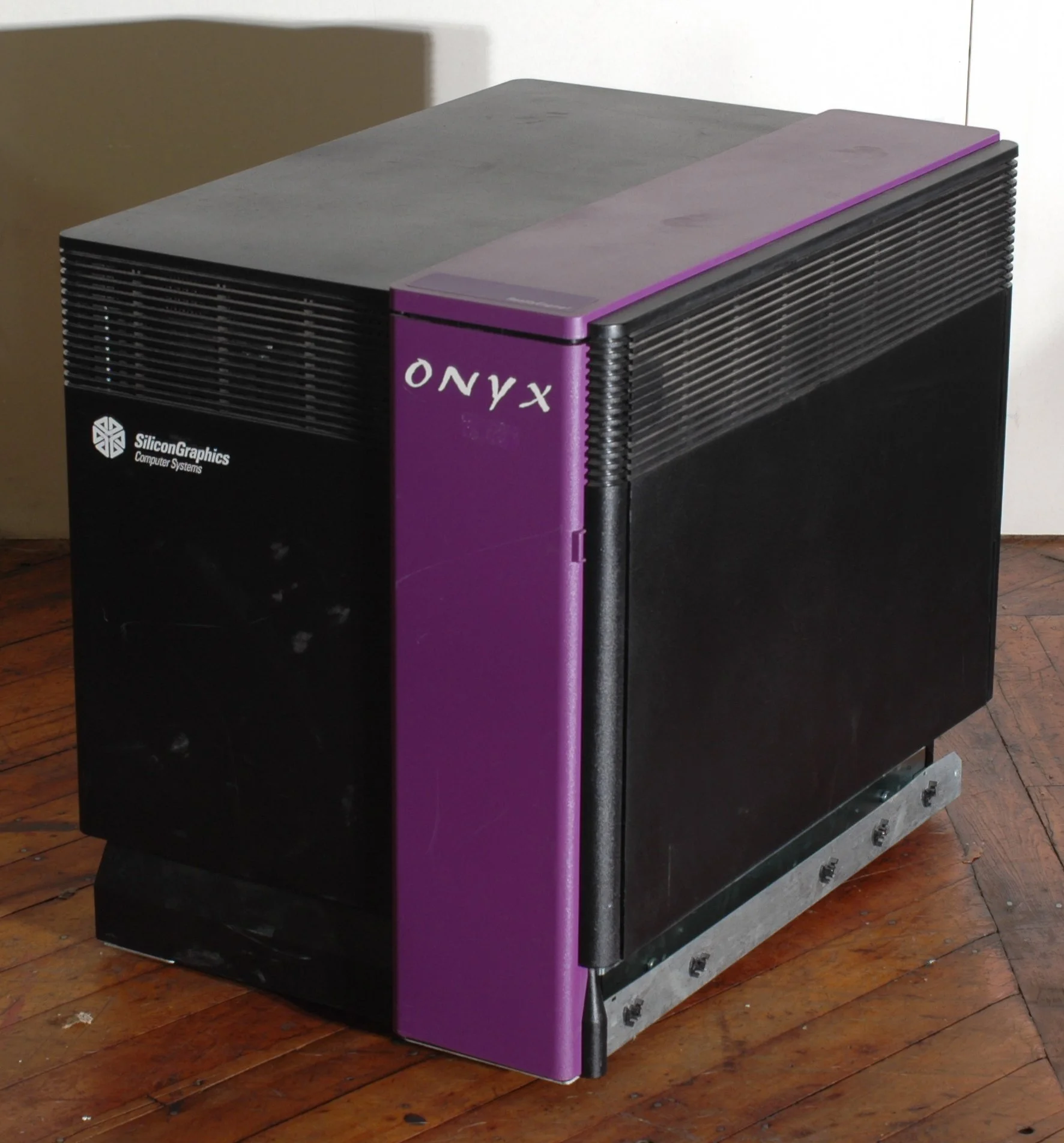

Nintendo 64 development happened on Silicon Graphics workstations — Onyx systems in larger studios, Indy machines on desks. Artists created textures in SGI's native image format.
The N64 hardware could not load those images directly: it expected pixel data packed as a static C array at a fixed memory address, embedded in the ROM at compile time.
The SGI connection goes deeper than the toolchain. In 1993, Nintendo and SGI announced Project Reality — a joint development partnership that produced the N64's Reality Co-Processor: the chip inside every console responsible for all polygon transformation and texture mapping. The same company built both the dev workstations and the chip.
Those same workstations were at Industrial Light & Magic during production of Terminator 2 and Jurassic Park. The professional 3D software — SoftImage for Jurassic Park's dinosaurs, proprietary tools for the T-1000 morphing sequences in T2 — ran on IRIX only.
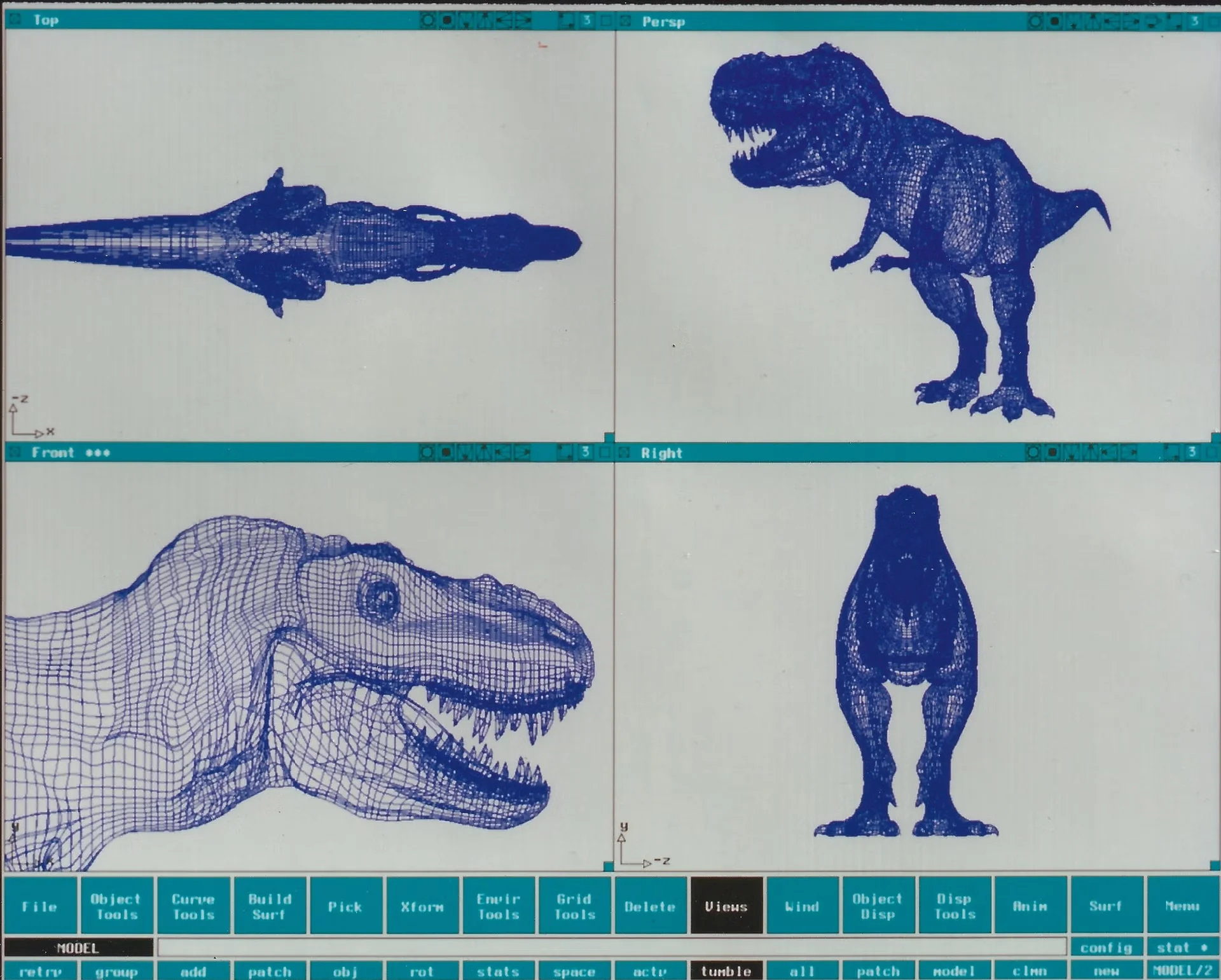
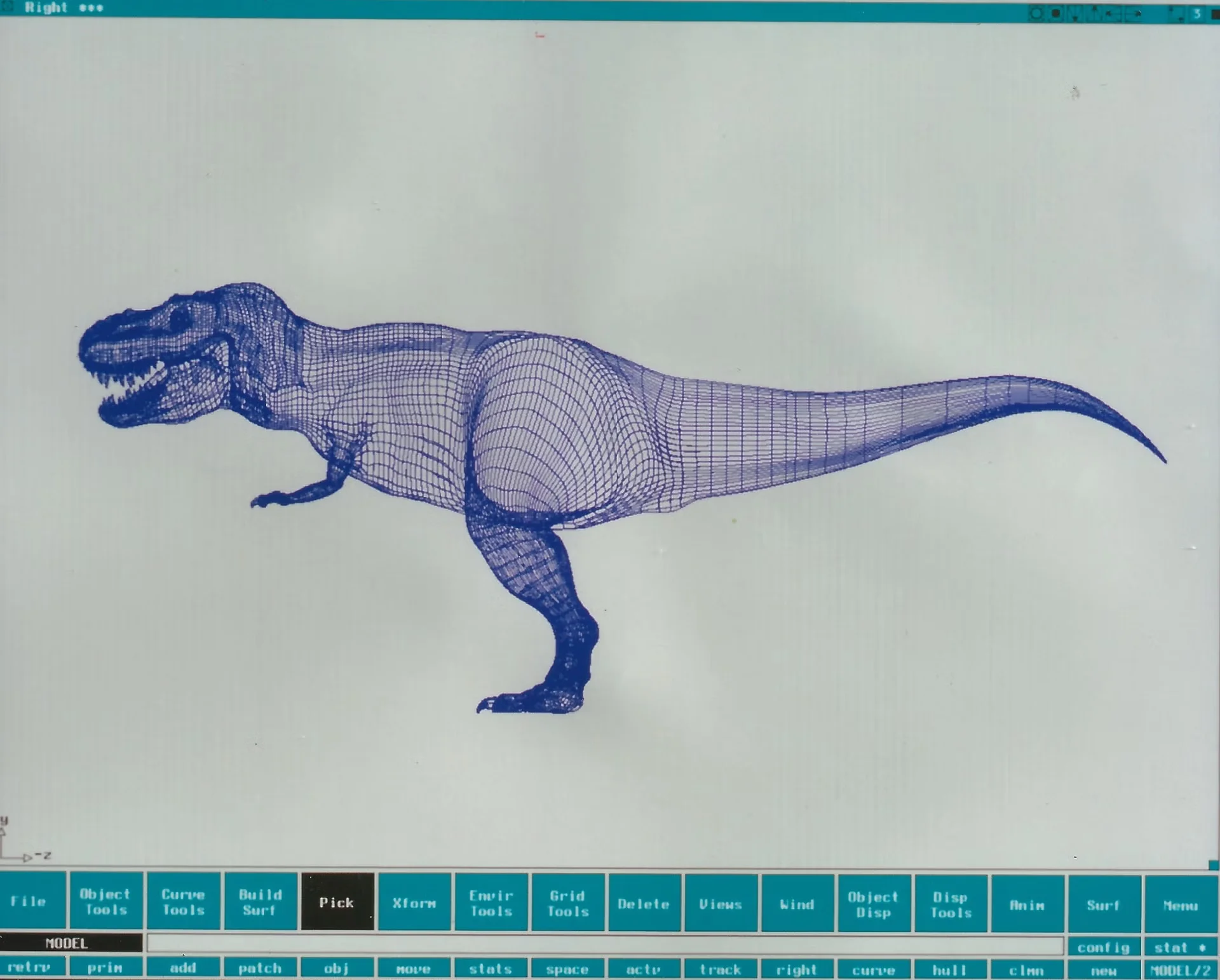

An SGI Indigo2 started at around $25,000; a fully configured system reached $55,000 or more, and professional 3D software added tens of thousands on top. Until Windows NT ports arrived at the end of the decade, the tools did not exist on any other platform.
In 1994, when the PlayStation launched, no consumer PC had a dedicated 3D graphics chip. The 3Dfx Voodoo — the first — shipped in late 1996, the same year as the N64.
The SDK shipped a tool called rgb2c that consumed an SGI RGB image and
produced a .c source file — a static const uint8_t array of raw pixel
data. That file was compiled alongside the game code by the IDO compiler
on IRIX. The object files were then linked and packed by makerom into
the final cartridge ROM.
Three tools. Each one consumed the output of the previous. The image never touched memory on its own — it passed through.
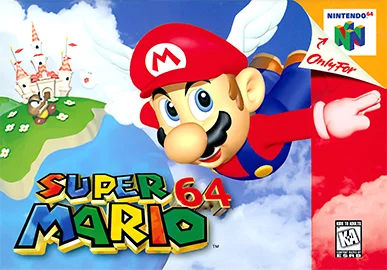


Super Mario 64,[1] GoldenEye 007,[2] The Legend of Zelda: Ocarina of Time[3] — every texture on every surface went through that pipeline before a player could see it.
The shell's | does the same thing without the intermediate files. Instead
of writing a .c file between rgb2c and makerom, the kernel maintains
a pipe — a buffer in memory — and connects one program's standard output
directly to the next program's standard input. The programs do not know
they are connected. They read from stdin and write to stdout, as always.
You will build a program that does what the shell does: open a file, fork N child processes, connect them with pipes, redirect input and output, execute each command, and wait. By the time you finish, the pipe is not a feature — it is a mechanism you have assembled from parts you understand.
The implementation pages start with processes — fork, execve,
waitpid — then build up the pipe mechanism, file redirects, and a
full two-command pipeline before generalising to chains of arbitrary
length using the linked-list API. The list functions are introduced
in pages 01 and 02 up front, before the systems work begins. Start at Setup.
The Hanging Pipe
The first time a pipe hung on me I was running something like
cat file | read line. Nothing happened. I pressed Ctrl-C. I assumed
the command was wrong.
Building pipeline is when I found out why. A pipe has two ends: a
write end and a read end. A process on the read end cannot see EOF until
every holder of the write end has closed it. After fork(), the parent
inherits a copy of every file descriptor the child will use — including
the write end of the pipe. If the parent forgets to close that copy
before waiting, the child reads until EOF that never arrives. Both
processes stall.
The rule that comes out of this: close every file descriptor you are
not using, in every process, before executing or waiting.
pipeline is a machine for learning exactly which ones those are.
I also learned something smaller but equally important: the order of forks matters. When you have N commands, you fork all N children before any of them exec. If you exec the first child before forking the second, the first command runs and finishes before the pipe to the second command is even open. Fork first, exec after.
The Project
Build pipeline — a program that replicates what the shell does when
you type a pipe. The program accepts two forms:
./pipeline infile "cmd1 [args]" "cmd2 [args]" ... "cmdN [args]" outfile
./pipeline "LIMITER" "cmd1 [args]" "cmd2 [args]" ... "cmdN [args]" outfile
The first form reads infile and redirects it to cmd1's stdin. The
second form reads stdin line by line until a line matching the LIMITER
string appears, then uses those lines as cmd1's input — the heredoc form.
Rules:
- Open
infilefor reading;dup2its file descriptor to cmd1's stdin. For the heredoc form, read stdin lines until LIMITER and write them to a pipe;dup2the read end of that pipe to cmd1's stdin. - Open or create
outfilefor writing (flags:O_WRONLY | O_CREAT | O_TRUNC, mode0644);dup2its file descriptor to cmdN's stdout. - Allocate N−1 pipes using
pipe(). Connect each cmdK's stdout to cmdK+1's stdin viadup2. - Fork N child processes. Set each child's stdin and stdout before
calling
execve. Close all pipe ends in every process before executing. - Execute each command with
execve. SearchPATHby splittinggetenv("PATH")on:and prepending each directory. - Wait for all children. Exit with cmdN's exit status.
- If a command is not found or not executable, exit 127.
- If
infilecannot be opened, exit 1 without forking. - If
outfilecannot be opened or created, exit 1 without forking. - Represent the command chain as a
t_listof command structs from the start — introduced in pages 01–02, applied from page 06 onward.
Source is split across three files:
| File | Contents |
|---|---|
main.c | argument validation, heredoc detection, list construction, top-level orchestration, cleanup |
exec.c | PATH search, execve wrapper, exit-127 handling |
pipeline.c | pipe allocation, dup2 routing, fork loop, wait loop |
The build links against libtci.a and libtciutil.a, both compiled
in-tree.
The Tester
The companion repo contains test.sh. Clone it, copy the tester into
your working directory, and run it:
git clone https://github.com/thecodingidiot-com/c05-the-pipeline.git
cp c05-the-pipeline/test.sh ~/c05-practice/
cd ~/c05-practice
bash test.sh
The tester uses the shell as an oracle. For each test case, it runs
the same pipeline through bash -c and through your pipeline binary,
then diffs the output. It covers:
- Single command with infile and outfile redirects
- Two-command pipeline (
cat | wc -l,sort | uniq) - Chains of three and four commands
- Heredoc input in place of an infile
- Error cases: bad infile, bad outfile, command not found (exit 127)
- Exit status propagation (cmdN's exit code)
The tester does not test for memory leaks directly, but it does verify
that the process exits cleanly and does not hang. Use valgrind from
f05 to check for leaks
separately.
The Companion Repo
The reference solution is at
github.com/thecodingidiot-com/c05-the-pipeline.
The solution/ directory contains all three source files, a Makefile,
and test.sh.